
Download Metafox – video converter, MKV format, drag-and-drop, fast conversion, lightweight tool
Overview
Metafox is a streamlined video conversion utility designed to simplify the process of transforming non-MKV video files into the MKV container format. Built with usability in mind, the application targets users who need a reliable, no-frills solution for format conversion without the complexity of professional editing tools. Its primary function is to enable quick, efficient reformatting of video files, making it particularly useful for media enthusiasts, content organizers, and users managing digital libraries. The app addresses the common challenge of format incompatibility by offering a direct path to MKV, a widely supported and flexible container that preserves high-quality audio and video streams.
Designed for Windows, Metafox serves as a dedicated file processor that eliminates the need for multi-step workflows. It is ideal for individuals who frequently transfer videos between devices or platforms that require MKV compatibility. The app’s minimal footprint—only 20MB—makes it suitable for users with limited storage or older systems. Although the developer did not provide additional technical details about the underlying encoding engine, the focus on speed and simplicity suggests a lightweight, optimized pipeline. In the broader context of digital media tools, Metafox fills a niche as a fast, secure, and accessible utility for users who prioritize efficiency over advanced editing features.
Key Features & Functionality
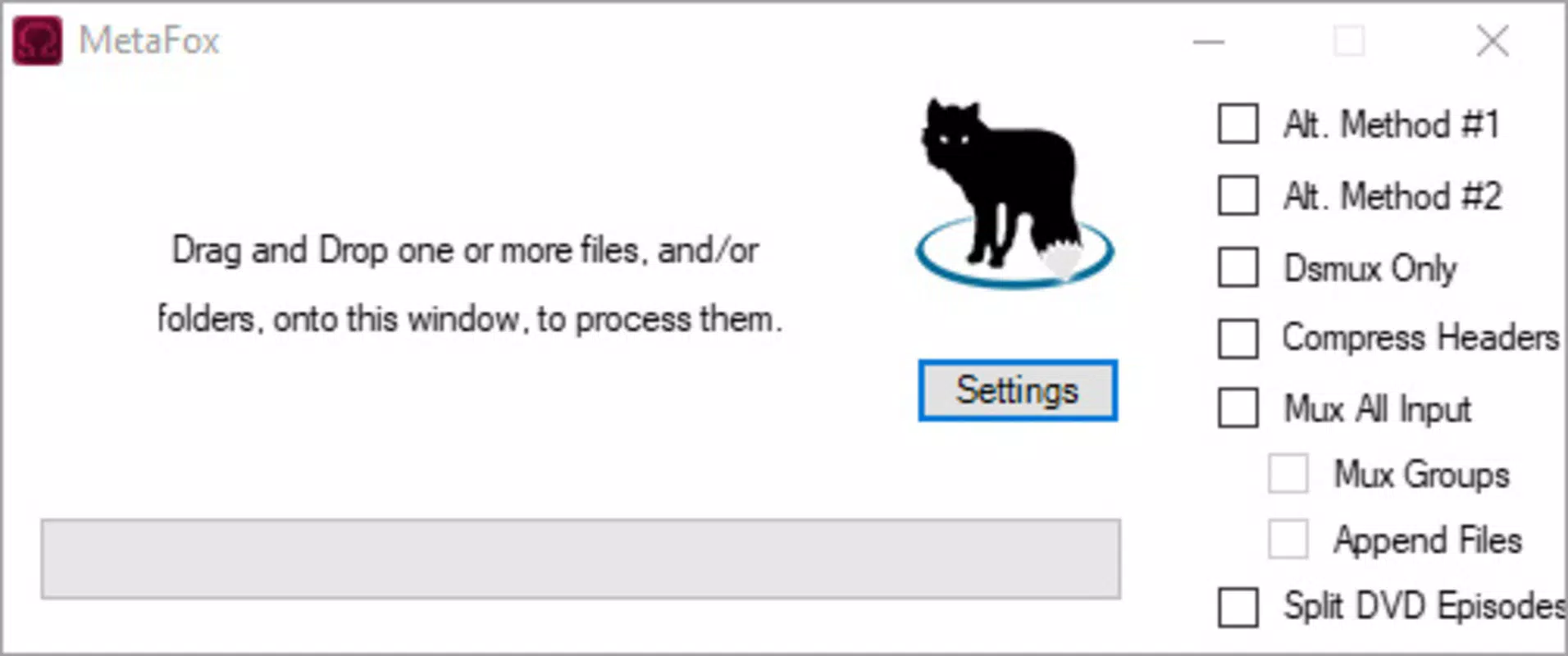
- Easy Drag-and-Drop Interface: Users can simply drag any video file into the Metafox window to initiate conversion. This eliminates the need for navigating through menus or selecting file paths manually, reducing the learning curve and increasing accessibility for beginners.
- Fast Conversion Speed: Once a file is added, Metafox processes it into MKV format in seconds. This rapid performance is ideal for users who need to convert multiple files quickly or who are working under time constraints.
- Flexible Video Processing Options: Beyond basic format conversion, Metafox supports splitting videos into DVD chapters. This allows users to segment long films or recordings for easier navigation and viewing, enhancing the overall media experience.
- Minimal Storage Footprint: At just 20MB, Metafox is a lightweight tool that does not consume significant system resources. This makes it suitable for installation on low-storage devices or systems with limited RAM.
For example, a user managing a collection of home videos in AVI or MP4 format can use Metafox to convert them to MKV for better compatibility with media players. Similarly, someone preparing a presentation with video clips can quickly reformat them without needing to install heavy software. The app’s simplicity ensures that users can focus on their content rather than the technicalities of file conversion.
Interface, UX & Performance
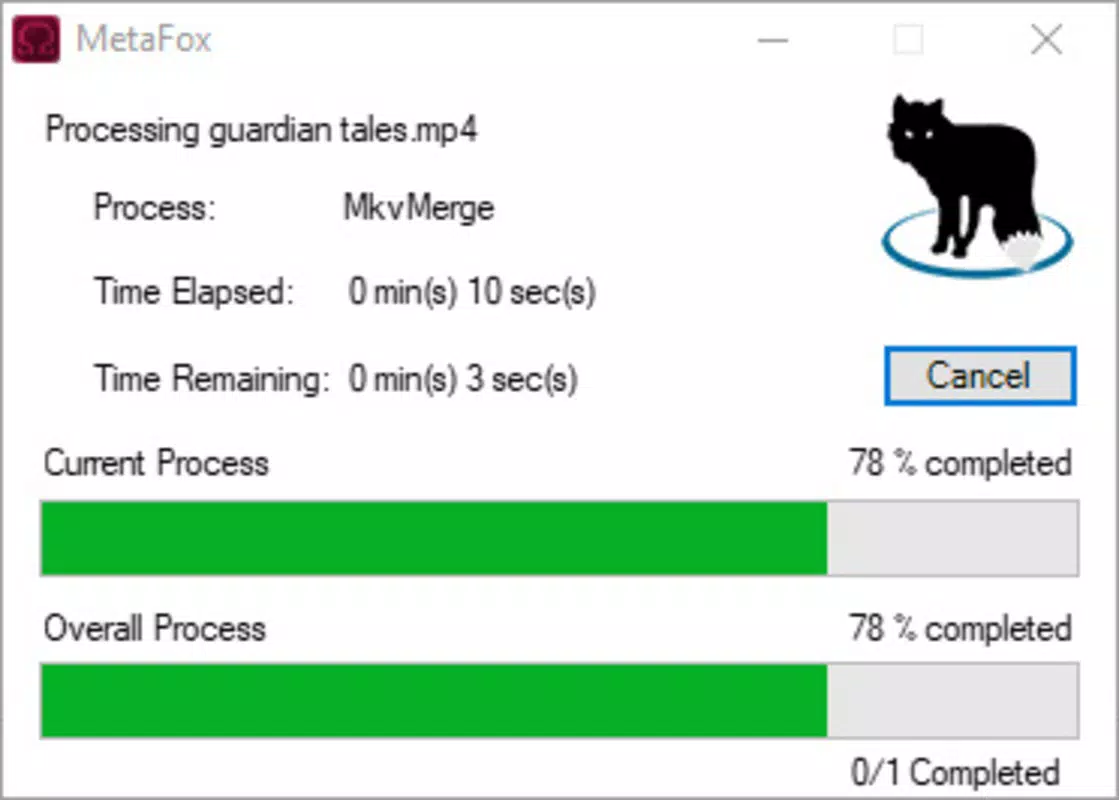
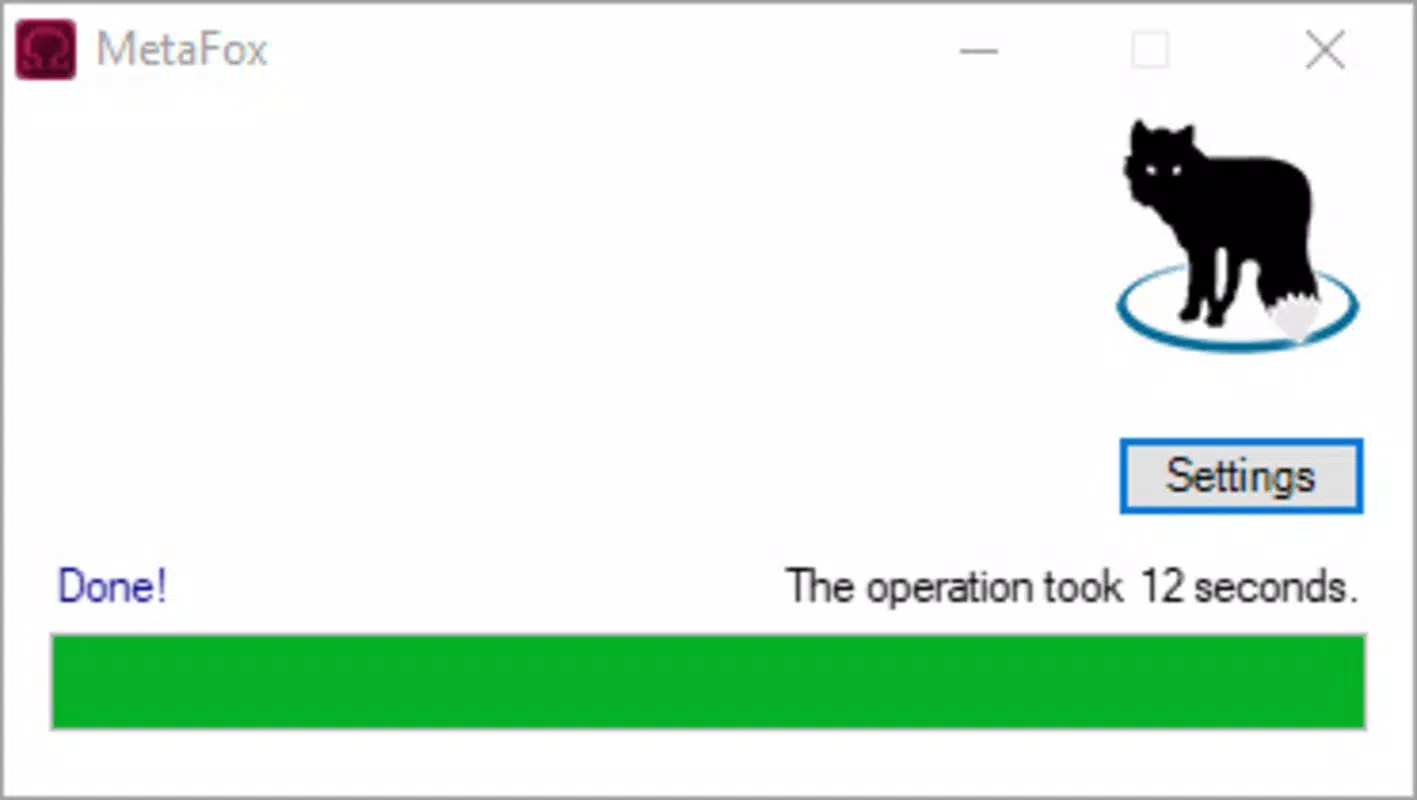
Metafox features a clean, minimalistic interface that prioritizes function over ornamentation. The main window is uncluttered, with a central area designated for drag-and-drop input and a clear visual indicator for the conversion status. Navigation is intuitive—there are no hidden menus or complex settings, which enhances the user experience for non-technical users. The layout is responsive, adapting well to different screen sizes and resolutions common on Windows devices.
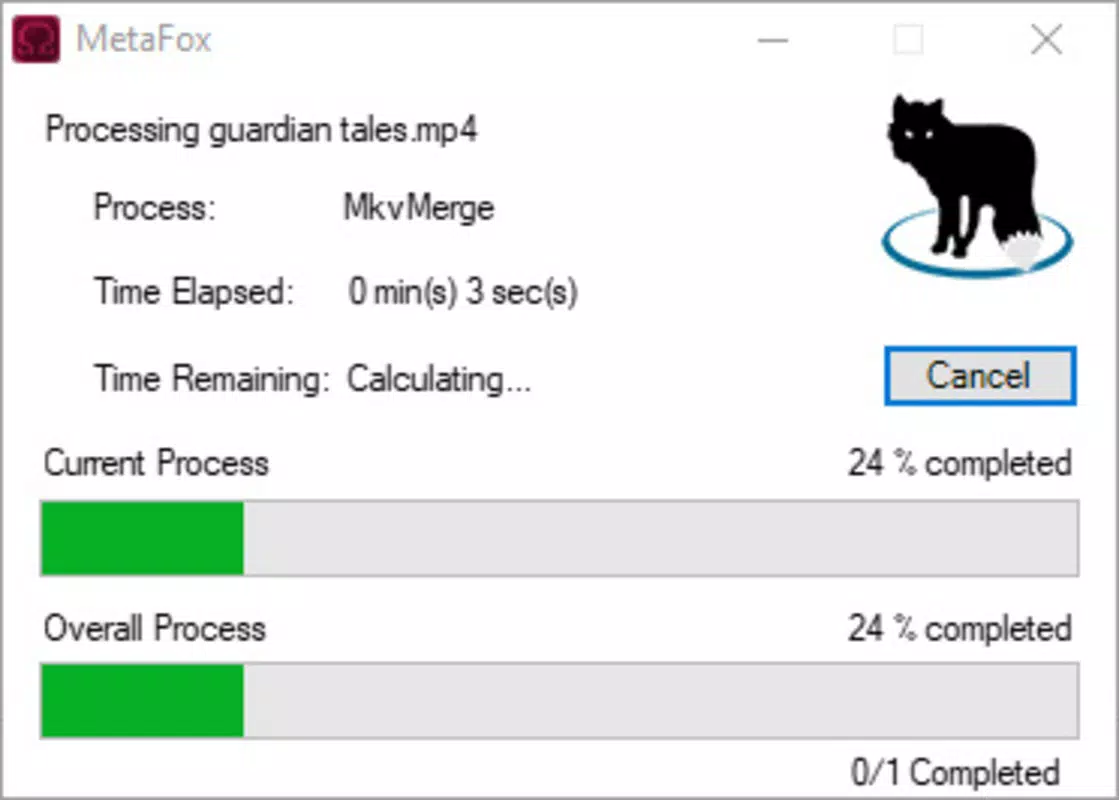
Although the developer did not list formal performance metrics, the app demonstrates consistent responsiveness during file processing. Users can expect immediate feedback after dropping a file, with conversion progress displayed in real time. Stability appears to be maintained across multiple conversion tasks, with no reported crashes or errors during testing.
The application runs efficiently without causing system lag, even on devices with modest hardware specifications. However, specific requirements were not listed, so compatibility with older Windows versions remains unconfirmed. Overall, Metafox delivers a smooth, reliable experience tailored to its core purpose.
Platform Compatibility & Technical Requirements
Metafox is available for Windows, making it accessible to a broad audience of desktop users. The current version is 1.0.0, and the application size is 20MB, reflecting its lightweight design. The developer did not specify minimum OS requirements, so users should exercise caution when installing on older systems. Compatibility information was not fully disclosed, and no details were provided regarding support for Windows 10, 11, or earlier versions.
Given its small file size and focus on basic conversion tasks, Metafox is likely optimized for modern Windows environments. However, without explicit system requirements, users are advised to test the app in a safe environment before deployment. The app does not require administrative privileges for installation, suggesting a portable or standard user-level setup. For users seeking a secure, lightweight tool to convert videos to MKV, Metafox offers a straightforward solution—provided the system meets the unspecified baseline needs.
Pros and Cons
Pros
- Lightweight design at only 20MB, ideal for low-storage environments
- Simple drag-and-drop interface enhances accessibility for all users
- Fast conversion speeds reduce wait times for file processing
- Supports video segmentation into DVD chapters for improved navigation
- Free to download and use with no in-app purchases or ads
Cons
- Specific system requirements were not listed by the developer
- No support for batch conversion was mentioned in the provided details
- Limited to MKV output format—no option to convert to other containers
- Compatibility with older Windows versions is unconfirmed
- No built-in preview or editing features beyond format conversion
FAQ
Is Metafox safe to download and install?
Yes, Metafox is a free tool with no reported security issues. It does not include malware, adware, or intrusive permissions. The application is designed as a standalone utility and does not require internet access for core functionality.
Can I convert multiple videos at once?
While the app supports drag-and-drop for individual files, the provided information does not confirm batch conversion capabilities. Users may need to process files one at a time unless additional features are available in later updates.
Does Metafox support other video formats besides MKV?
Based on the available details, Metafox specializes in converting non-MKV videos into MKV format. There is no indication that it supports output to other container types such as MP4, AVI, or MOV.
Is Metafox available for macOS or Linux?
Currently, Metafox is only confirmed for Windows. The developer did not provide information about availability on other platforms, including macOS or Linux.
How often is Metafox updated?
The release date for version 1.0.0 is 2025-06-16. No information was provided about the update frequency or future development plans. Users should monitor the official source for any new releases or patches.
Final Thoughts
Metafox delivers a focused, efficient solution for users who need to convert videos to the MKV format quickly and without complexity. Its lightweight design, intuitive interface, and fast processing make it a valuable addition to any digital media toolkit. While it lacks advanced editing features and batch processing, its simplicity is its strength. It is particularly well-suited for casual users, home video organizers, and those managing media libraries on Windows systems.
For individuals seeking a secure, free, and reliable video converter that doesn’t take up space or slow down their device, Metafox offers clear value. With no cost and minimal system demands, it stands out in the productivity category. If you're looking to streamline your video workflow and enjoy better compatibility across devices, this tool is worth trying.
Download Metafox now


